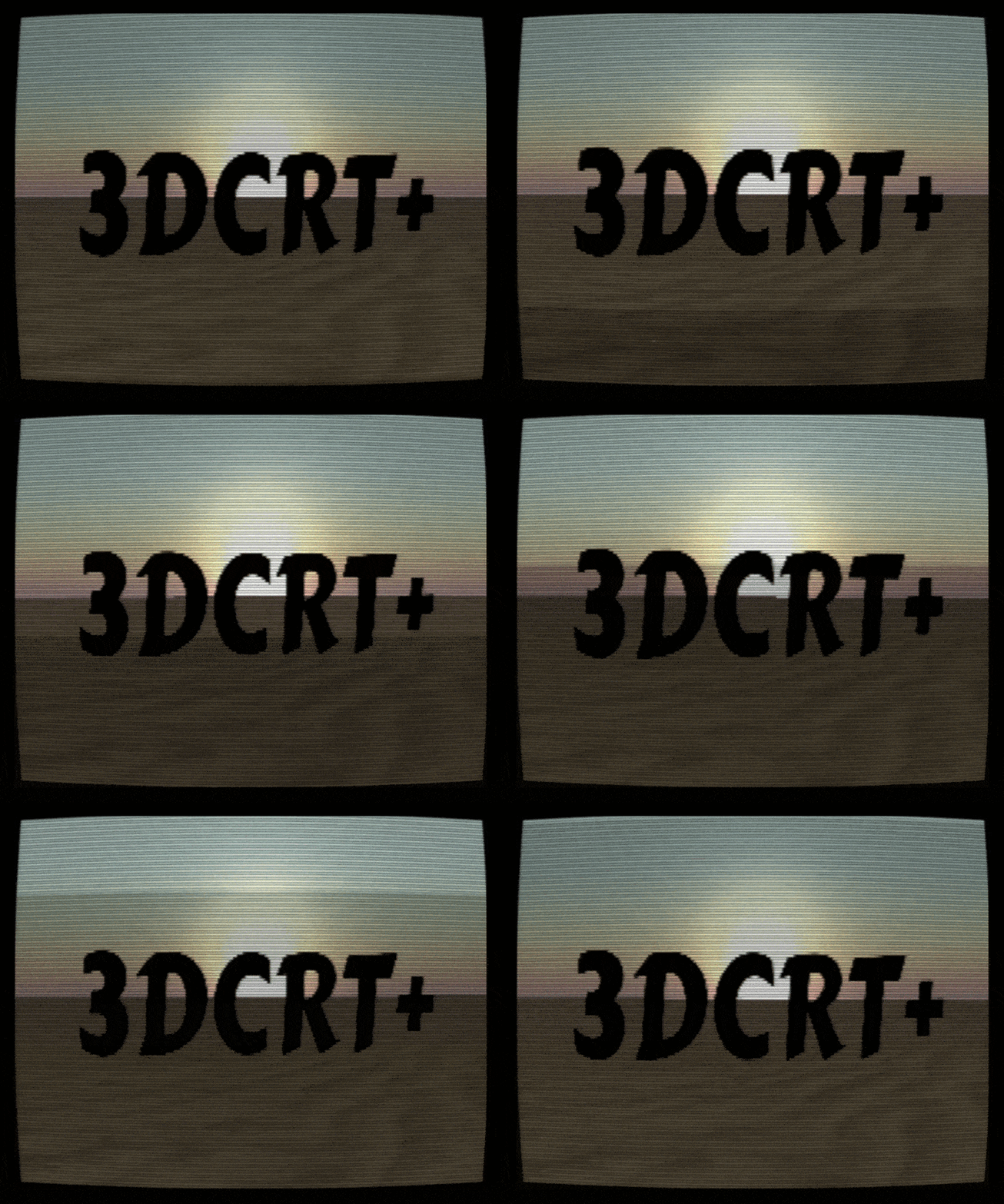
3D CRT+ player camera effects for Gdevelop
A downloadable tool
3DCRT+
Other Post Processing Effects might/will conflict with this extension. The native bloom effect 100% conflicts. Due to its a nature of being a pixijs or 2d effect run over a image of a 3d layer it isn't using the same method as I am.
A configurable retro-screen post-processing toolkit for GDevelop's built-in 3D engine
One full-screen pass. Every CRT, VHS, and broadcast artifact you need — scanlines, shadow mask, curvature, grain, chromatic aberration, roll, and more — each independently toggleable, all driven by one behavior.
GDevelop ships layer effects for 2D, but its 3D scenes have no built-in post-processing hook. 3DCRT+ adds one. Drop the behavior onto an object in your 3D scene, switch on the effects you want, and the entire rendered frame is redrawn through a single shader — turning clean Three.js geometry into something that looks like it came off a dying CRT, a worn VHS tape, or a security monitor in a room you shouldn't be in.
It was built for found-footage and retro-FPS horror, but it's a general-purpose retro-screen kit — anything that should look like it's being displayed rather than simply rendered.
And it's not limited to the 3D frame: you can pull a 2D layer — your HUD, subtitles, a vignette — through the same pass, so the interface looks like it's being displayed on the same tube instead of sitting cleanly on top of it.
What it does
Every effect below is its own group. Each one is off by default and switches on independently, so adding the extension changes nothing until you flip a switch — and you only pay for what you turn on. All controls use friendly numbers (opacity 0–255, most others 0–100), and a single master Opacity fades the whole look in or out.
Screen shape
- Scanlines — adjustable thickness and pixel sharpness, with a true 3-tap/5-tap gaussian scanline reconstruction (not a flat overlay)
- Screen bulge — barrel curvature, from flat to heavy CRT bulge
- Bezel border — a black frame with a master inset plus independent per-side depth
- Image stretch — independent X/Y scale to squash or zoom the picture
Phosphor & light
- Shadow mask — an anti-aliased RGB stripe mask (smooth-profiled to kill the moiré comb you get from hard-edged masks)
- Brightness — applied early in the chain so it genuinely drives the glow and the masked image
- Bloom — a real multi-tap blurred glow that bleeds light outward, not just a brightness boost
Signal & motion
- Chromatic aberration — channel-split fringing that scales from the screen center
- Rolling bar — a vertical roll with adjustable speed and height
- Flicker — per-frame brightness instability
- Interlace — alternating-line dimming
Color grading
- Saturation, contrast, gamma
- Phosphor tint — a full RGB color cast for amber, green, or sickly-blue monitor looks
Film/tape grain
- Animated grain — pure-math noise (no textures) with controls for amount, cell size (fine static → coarse VHS), color (mono film grain → full RGB static), and speed (frozen → fast)
2D UI through the effect
- Overlay any 2D layer — run your HUD, menus, or subtitles through the CRT pass so the interface picks up the same scanlines, curvature, opacity, and an optional phosphor glow as the 3D behind it
- GPU grab — the layer is captured on the GPU with no per-frame CPU readback, and costs nothing while it's switched off
- Overlay opacity & UI glow — fade the overlay on its own, plus a phosphor bloom on the UI's bright pixels
- Hidden-layer workflow — hide the layer in the editor and drive it from events, so it shows up only through the effect with no double image; normal 2D layer effects (blur, tint, etc.) carry through too
Everything is also exposed as actions, conditions, and expressions, so you can drive any parameter at runtime — fade the whole effect up as the player picks up the camcorder, kick the roll and grain when something goes wrong, dial saturation to zero on death.
Quick start
- In GDevelop, Project Manager → Extensions → Import, and choose the downloaded .json.
- Add the 3DCRT+ behavior to any object on your 3D layer.
- In the behavior properties or event sheet, switch on a group or two (try Scanlines + Mask to start) and tweak the values.
- Hit preview. That's it — the behavior installs the renderer hook automatically once 3D is ready.
To drive it from events instead, use the Set… actions (e.g. Set shader render opacity, Set CRT grain amount) and Enable or disable a CRT effect to toggle any group on or off at runtime.
To run your UI through the effect, put it on its own 2D layer, hide that layer in the editor, and use Render 2D layer through the CRT effect from events — then Set CRT overlay opacity and Set CRT overlay UI glow to taste.
Requirements & compatibility
GDevelop with a 3D scene (uses the built-in Three.js renderer).
Tested against GDevelop 5.6.271 (the current release at time of writing). Because there's no official 3D post-processing API yet, the extension works by wrapping the 3D renderer's draw call. This is robust and fails safe — if anything goes wrong it falls back to a normal render rather than crashing — but it's the part most sensitive to engine updates. Pin the GDevelop version you ship against, and if a future build adds native 3D post-processing or moves to a new rendering backend, expect this to need an update.
Known limitations (worth knowing up front)
I'd rather you know these up front than have you find them out mid-project:
- Bloom needs bright sources. The glow only kicks in above roughly mid-brightness, so in very dark scenes it can read as nearly absent. If your light comes from flashlights, screens, or fire it pops; if the scene is mostly murk, lower the bloom-relevant levels or lean on brightness first.
- Shadow-mask strength varies by display. The mask is a fine pattern; on high-DPI screens it can wash toward neutral. Treat its intensity as a per-project tuning dial, not a fixed look.
- Color grading is stylized, not color-accurate. Grading runs in display space, so it's tuned for "looks right for a CRT," not for linear-correct color work.
- 2D overlay layer ordering. If you keep the overlay layer visible instead of hiding it, place it below your 3D layer — a visible layer drawn at or above the 3D layer gets painted raw on top and escapes the effect. Hiding the layer sidesteps this entirely.
None of these are bugs — they're inherent to keeping the effect cheap enough to run every frame. For a grainy retro look they mostly vanish into the aesthetic.
Credits & license
Core scanline/CRT math adapted from Timothy Lottes' public-domain CRT shader, released for anyone to use and modify.
Extension, additional effects (mask anti-aliasing, multi-tap bloom, per-side bezel, stretch, grain, color grading, the 2D-overlay compositing, the behavior + event API), and packaging by Twillion.
Released under a custom license (see LICENSE.txt in the download): free to use in your own games, films, and other projects — including commercial ones — but the extension itself may not be redistributed, resold, or repackaged as a standalone asset, modified or not.
Support & feedback
Found a bug, or it broke on a newer GDevelop build? Post in the comments on this itch page. Include your GDevelop version when reporting — it's the first thing I'll ask. And if you make something with it, I'd love to see it.
Changelog
0.5.0 — New: run a 2D layer (your HUD, menus, overlays) through the CRT effect, so the UI gets the same scanlines, curvature, opacity, and an optional phosphor glow as the 3D. The grab happens on the GPU and costs nothing while it's switched off, with independent overlay opacity and UI-glow controls and a hidden-layer workflow so the UI shows up only through the effect. The overlay tracks the active scene, so it keeps working across scene changes and when the effect persists between scenes. Updated API reference included in the download.
0.4.3 — Grain now initializes correctly, the phosphor-tint controls report their values properly, and the effect installs reliably when driven by the behavior.
0.4.2 — Earlier release.
Download
Click download now to get access to the following files:
Development log
- 3DCRT plus v0.5.044 days ago
- 3DCRT plus v0.4.345 days ago